Click on the big button below to go to join a Teams Meeting.
Your browser will open a new tab and take you to the screen that looks like this.
Enter the Meeting ID in the box on the left and the Passcode on the box on the right.
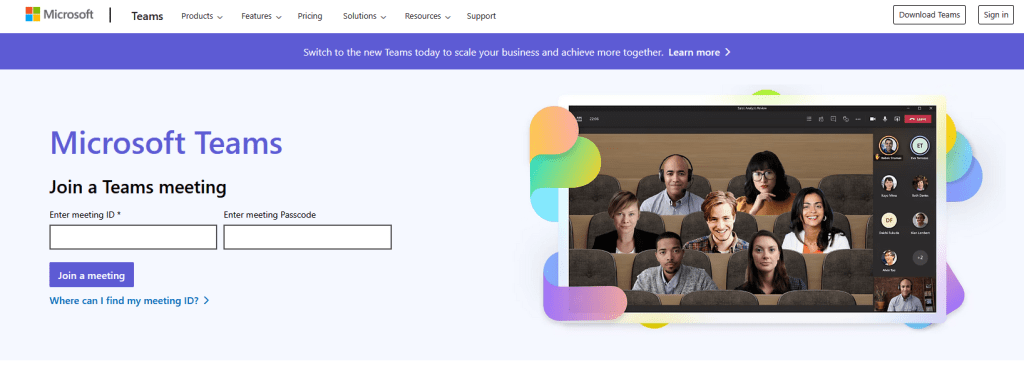
Click on Join a Meeting.
Then your browser will go to a screen that looks like this.

👉 If you have Teams installed, you can click on Join on the Teams app
👉 If you do not have Teams installed, and you don’t want to install it, click on Continue on this browser
 Vivian Chandra